
Note: Review requirements
Installation:
NOTE: Before you start, copy your integration user’s profile name and save it in a notepad.
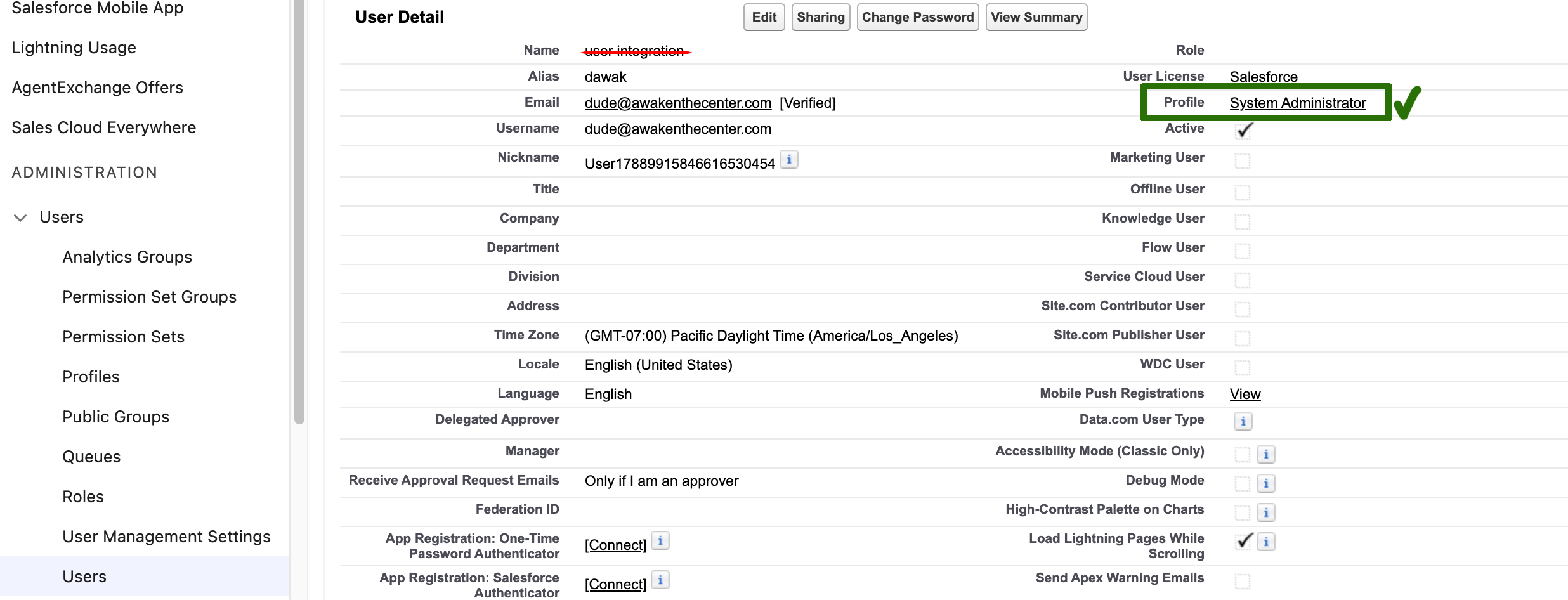
-
Navigate to the Salesforce AppExchange listing of the CRM App for Atlassian Jira:
https://appexchange.salesforce.com/appxListingDetail?listingId=a0N300000016ZnaEAE and install the package.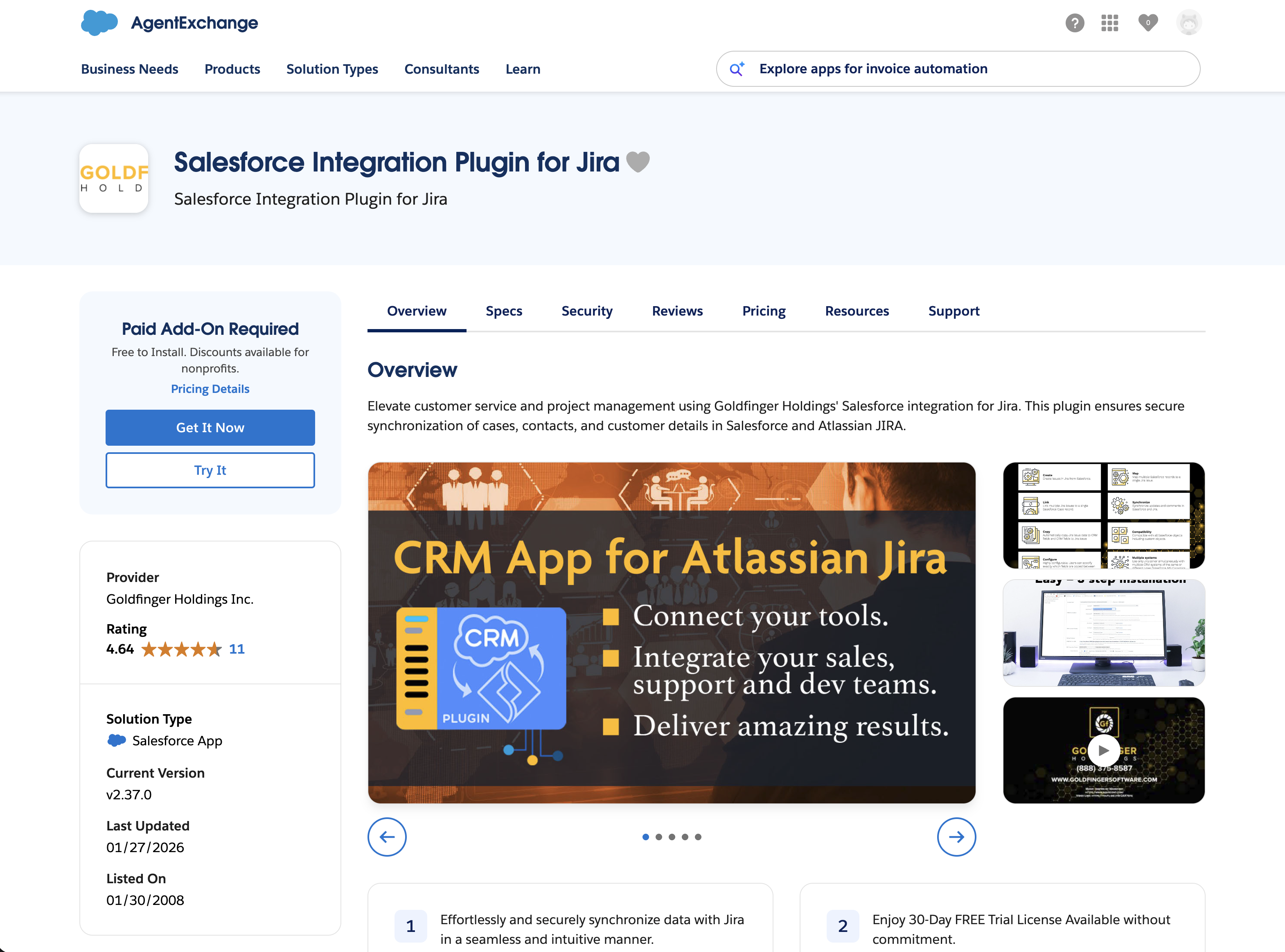
-
Click on the “Get it Now” button.
-
On the next screen, select where you want to install the app.
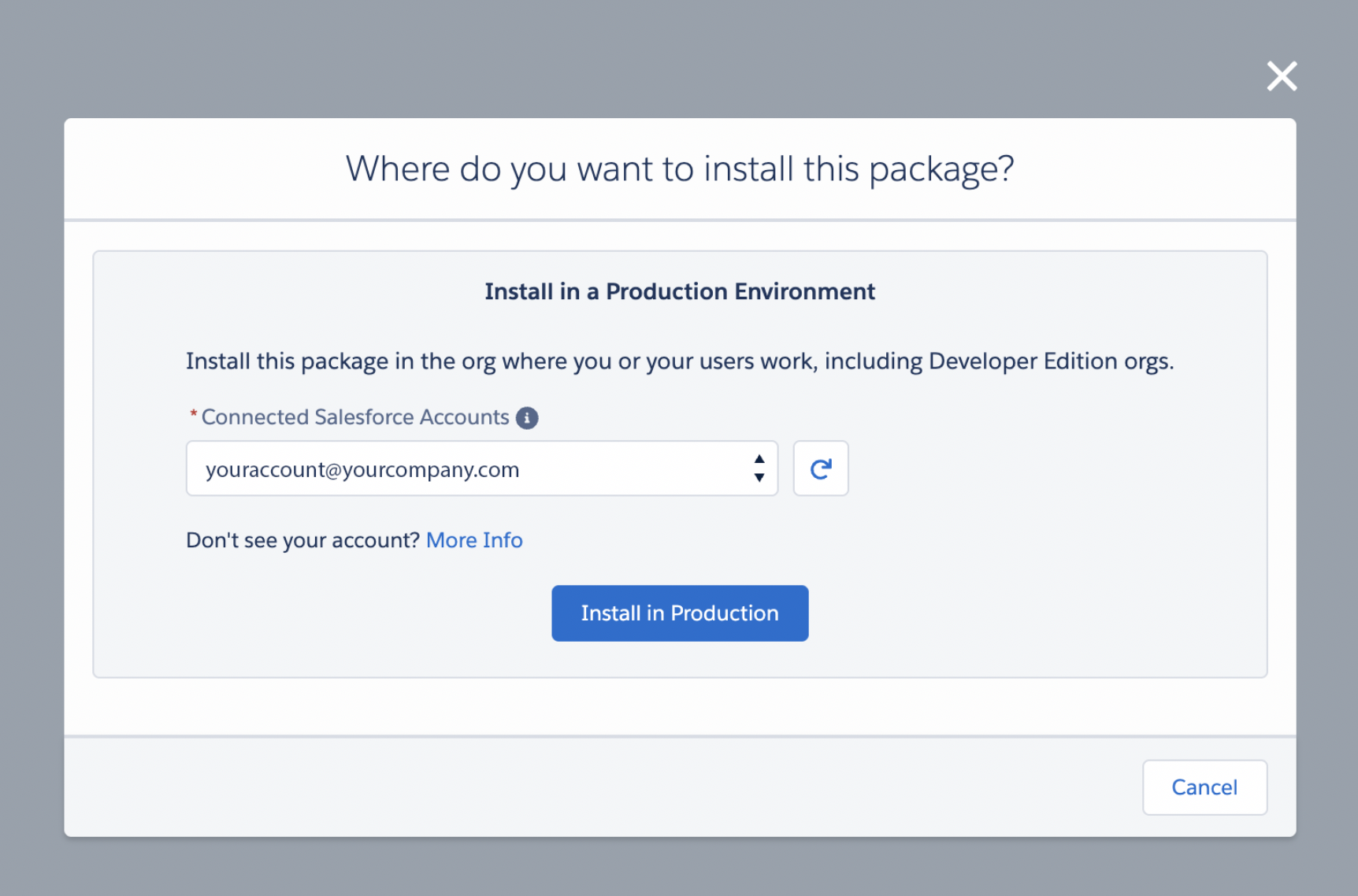
-
Review your information on the next screen (ignore the compatibility warning).
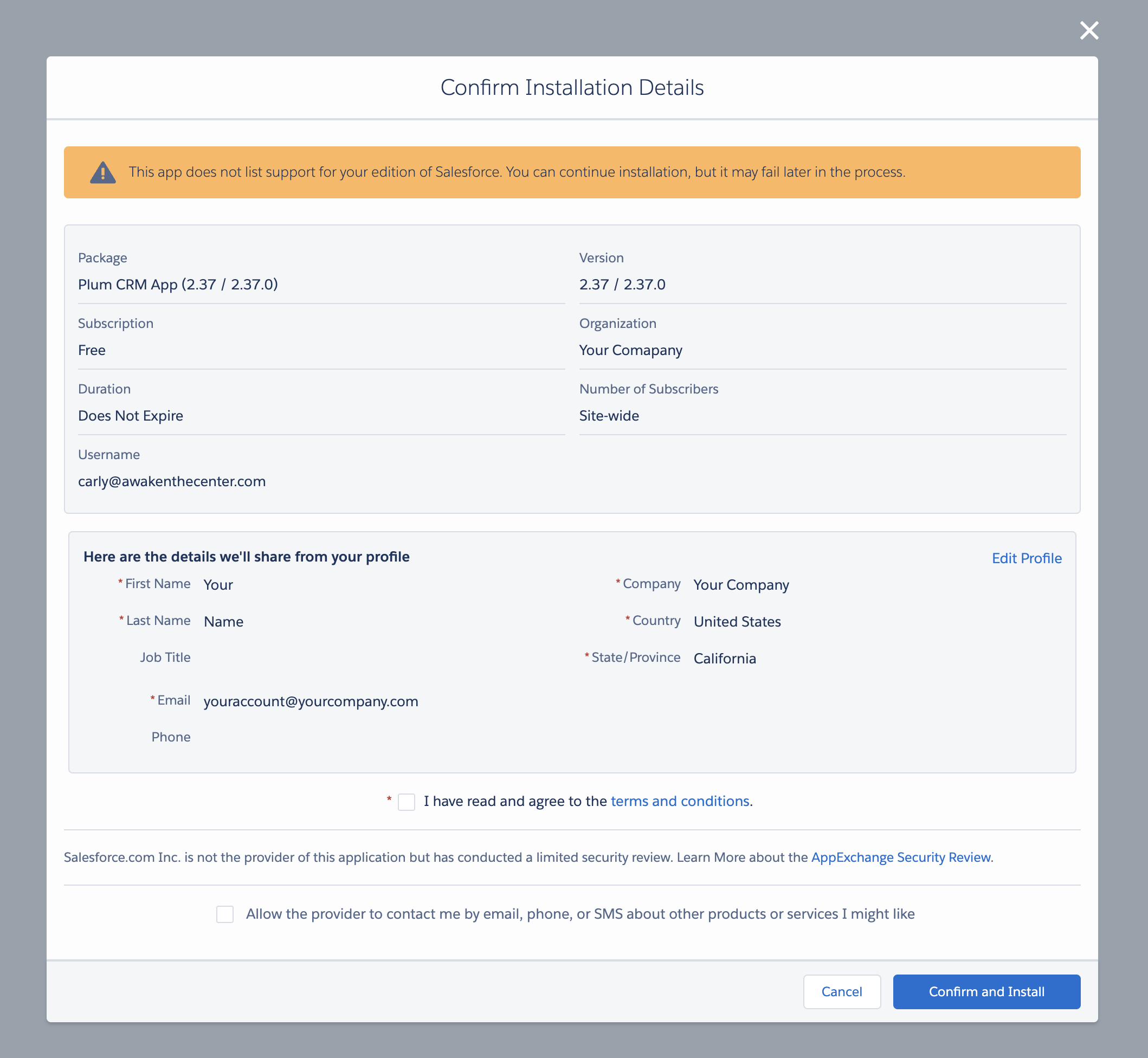
-
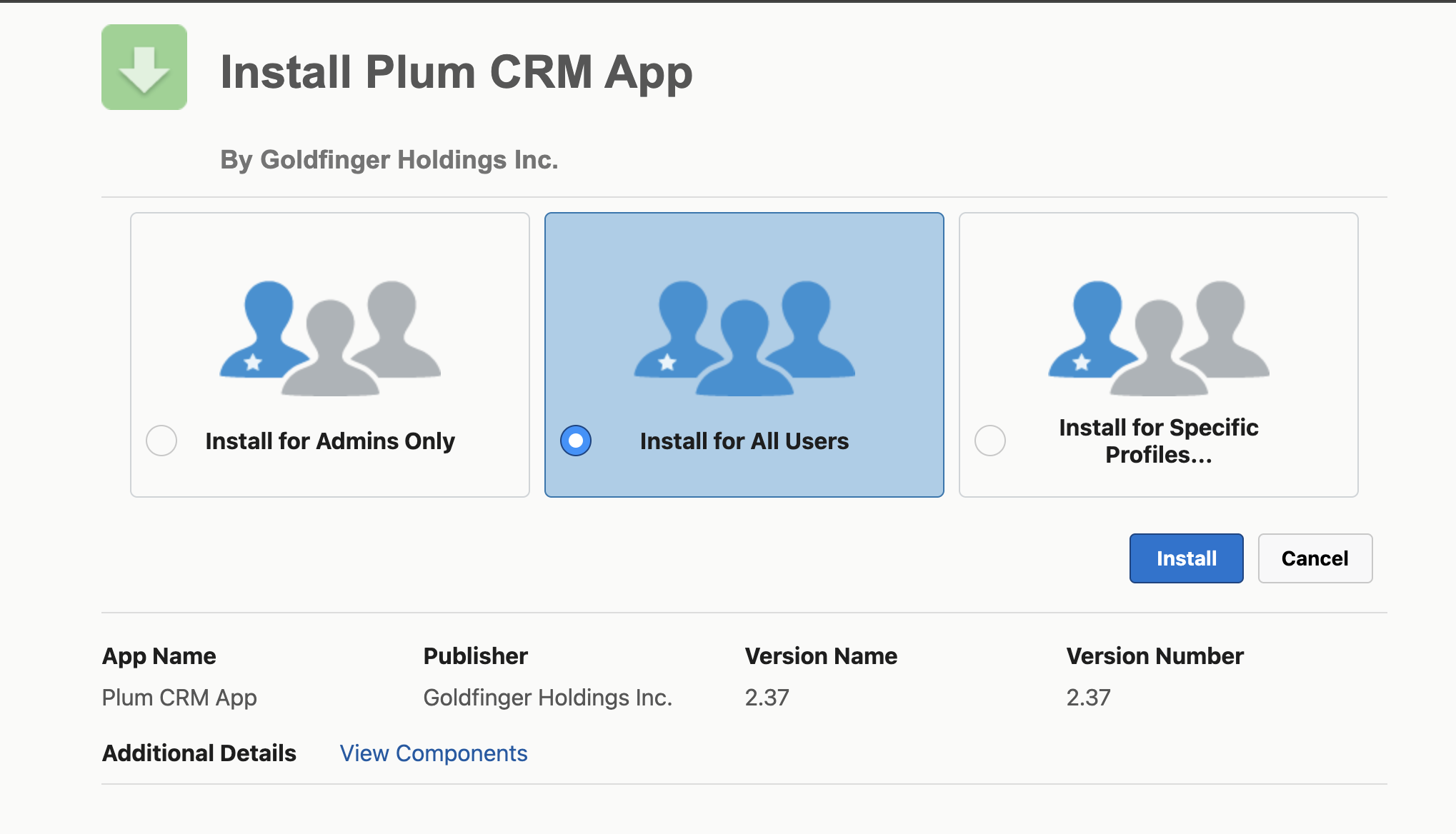
You will be redirected to your Org and asked to log in again. Once you do that, you will select “Install for All Users” and then click on the “Install” button. (Please ignore the warning in the orange banner)
-
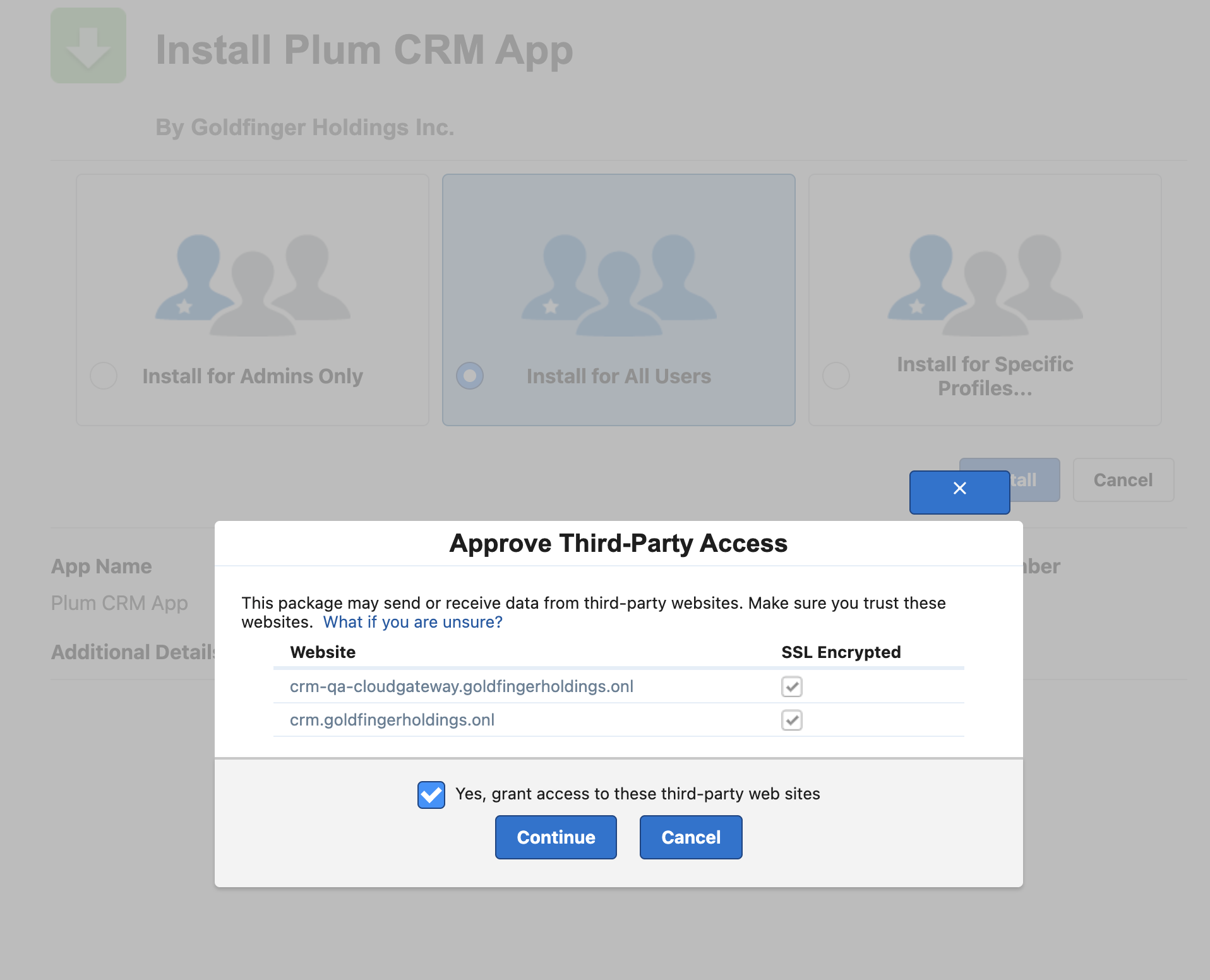
A modal window will appear; check the box “Yes, grant access to these third-party web” and click “Continue”
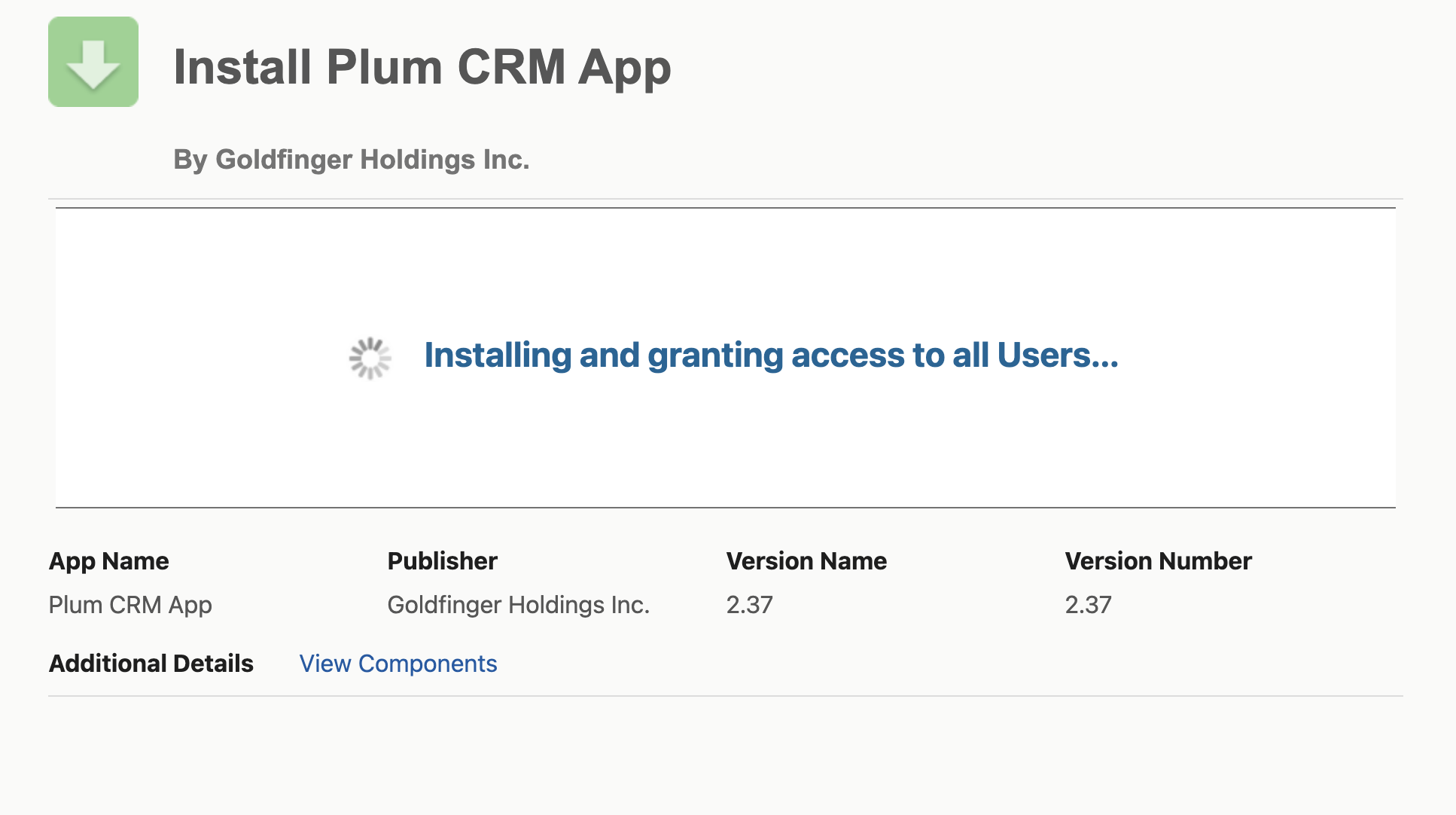
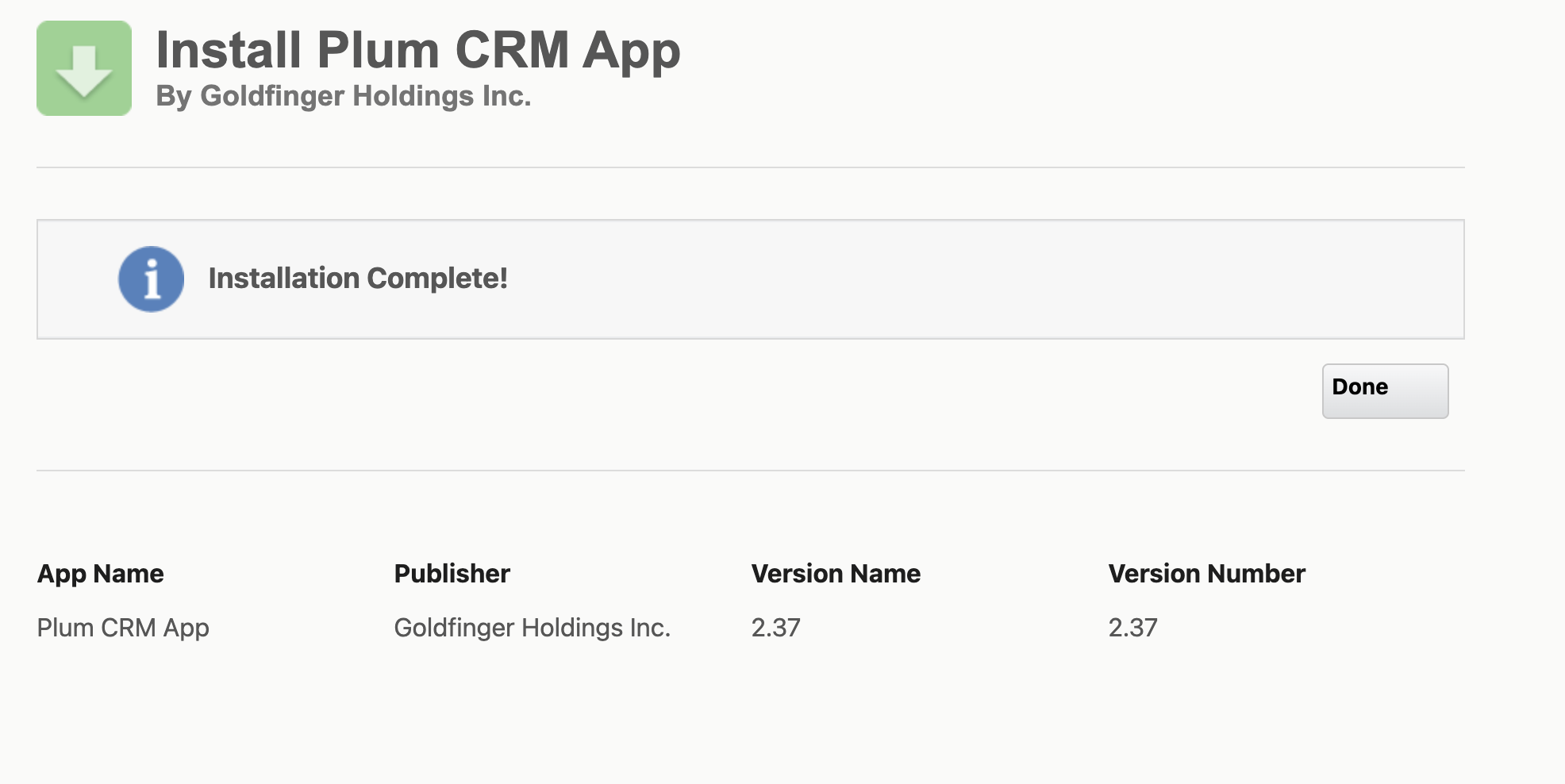
After step 6, your installation should proceed and complete.
Next Step: Salesforce Configuration